
Managing your team on SafariOffice is flexible. As an admin, you can cancel subscriptions for individual user accounts at any time.
Go to your user accounts: Setting > Subscription & User Accounts > Users
Click the 3 buttons on the user account you want to end the subscription for.

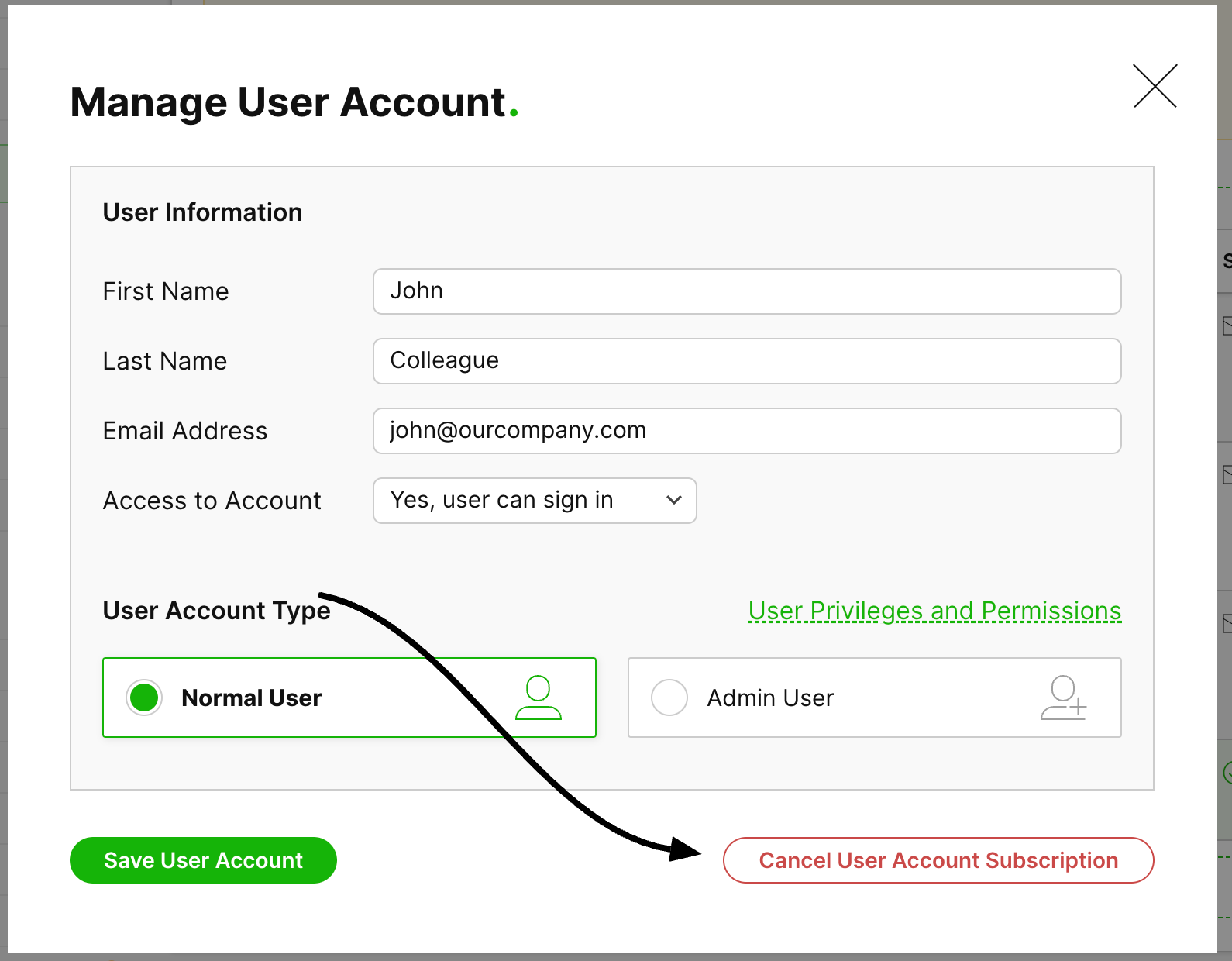
Click 'Cancel User Account Subscription' at the right bottom of the window.
Optionally choose if the user will keep access to their account until the cancellation date or not.
Click 'Confirm Cancellation' to finalize your cancellation.
The subscription will be canceled from the next renewal date.

Related Articles
How to Add and Resend a New User Invite
Here is how to send an invite to a new user and also resend an invite.
How to Reactivate a Subscription for a User
Learn how to reactivate a subscription for a cancelled user.