To invite a user you need to create an account for them first.
The first two users are always FREE. After the second user, the third user and up will need a subscription for an extra user account.

This article shows you how to Add a new user, after which you can invite them.
How to Add a New User to Your Account.
Adding your team or colleagues to SafariOffice.
What if the user didn't get the invite email?
You can always see if the user has already activated their account and when they were last active in the user overview.
Check if the email is correct. You can always resend the invite or correct the email
by clicking 'Resend invitation or update the email address ->'
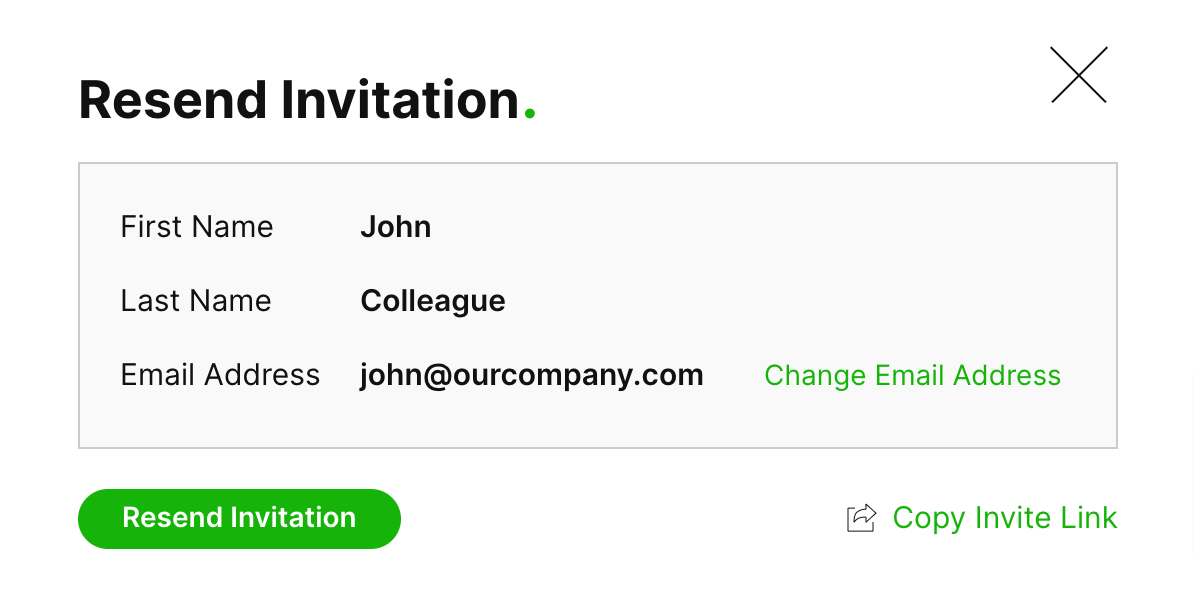
This opens up a window where you can either change the email address and/or resend the invitation.
You can also copy the invite link and share this with the user another way.
! Make sure to only share this link when you are sure this is the person you want to grant access.