
What is the Running Tours tab?
Running tours is a category within your Request tab, in which you can view all the booked tours that are currently ongoing in real time. You can keep track of your client's tour information, e.g; current (planned) tour location, activities, and client contact information.
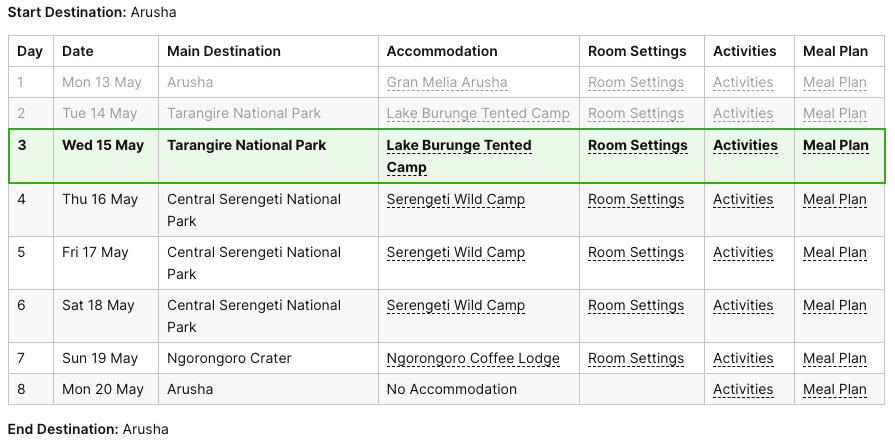
How Tours Appear in Running Tours
Any tours that you marked as booked will be shown within the Running Tours tab based on the set start date. For example, if the tour starts today, the tour will appear within the Running Tours tab.

How Tours Disappear from Running Tours
Once the tour is finished according to the end date, this will also automatically disappear from the Running Tours tab. For example, if the end date is set for May 20 of this year, you will not see the tour on May 21 within the Running Tours tab anymore.
The tour will be seen in the Completed tours category.
How to Use the Status Completed for Request
In this article, we'll learn how to use the status 'Completed' to keep everything orderly by showing which tours are done.