Sending follow-up reminders via mobile messaging can significantly optimize your conversion rate and get you more bookings. With the WhatsApp integration, SafariOffice makes it easy to follow up using your SafariOffice account.
Following up with WhatsApp works great with digital links, as your digital pages are optimized to work perfectly on phones. This gives your client the best experience, whichever channel they use.

For ease of access this feature can be found in two main areas. The To-Do list and on the Quote itself.
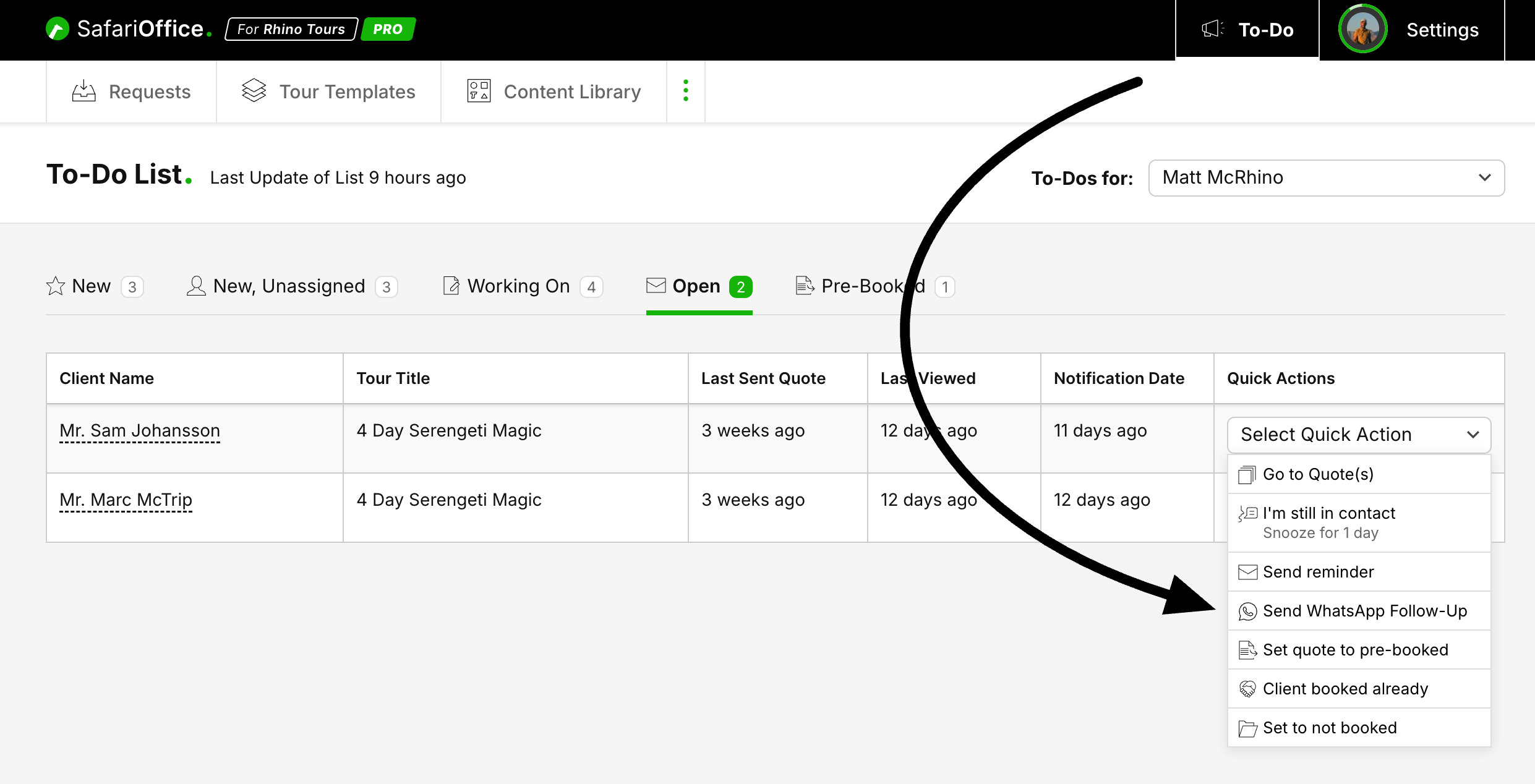
You can find the Quick Action in your To-do list for any Open Request.
Select Send WhatsApp Follow-up it will open te message screen for the last sent quote.
Edit your message if needed.
Ensure the phone number has the right format.
Click Open WhatsApp to continue the conversations there.

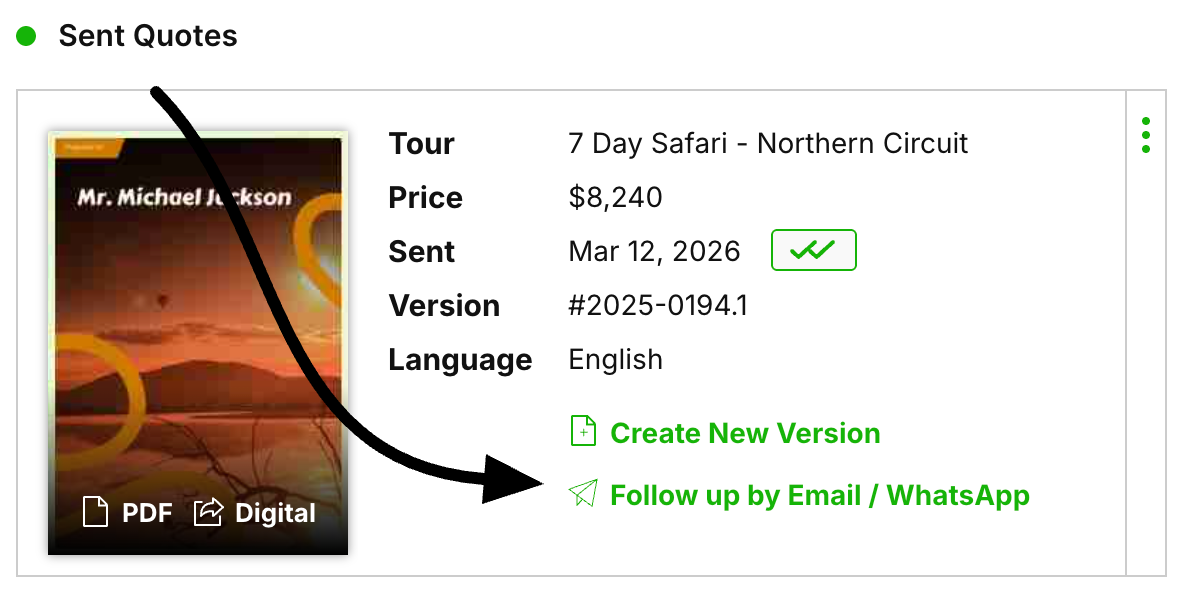
Go to the Quotes tab on any Open request
Click Follow up by Email / WhatsApp
Select the WhatsApp Follow-Up tab in the modal.
Ensure the phone number has the right format
Edit your message if needed
Click Open WhatsApp to continue the conversations there.
You can use this for reminders or simply to send the quote again via WhatsApp (use the digital link) after sending it by email for additional assurance that a client receives your quote by either email or phone.
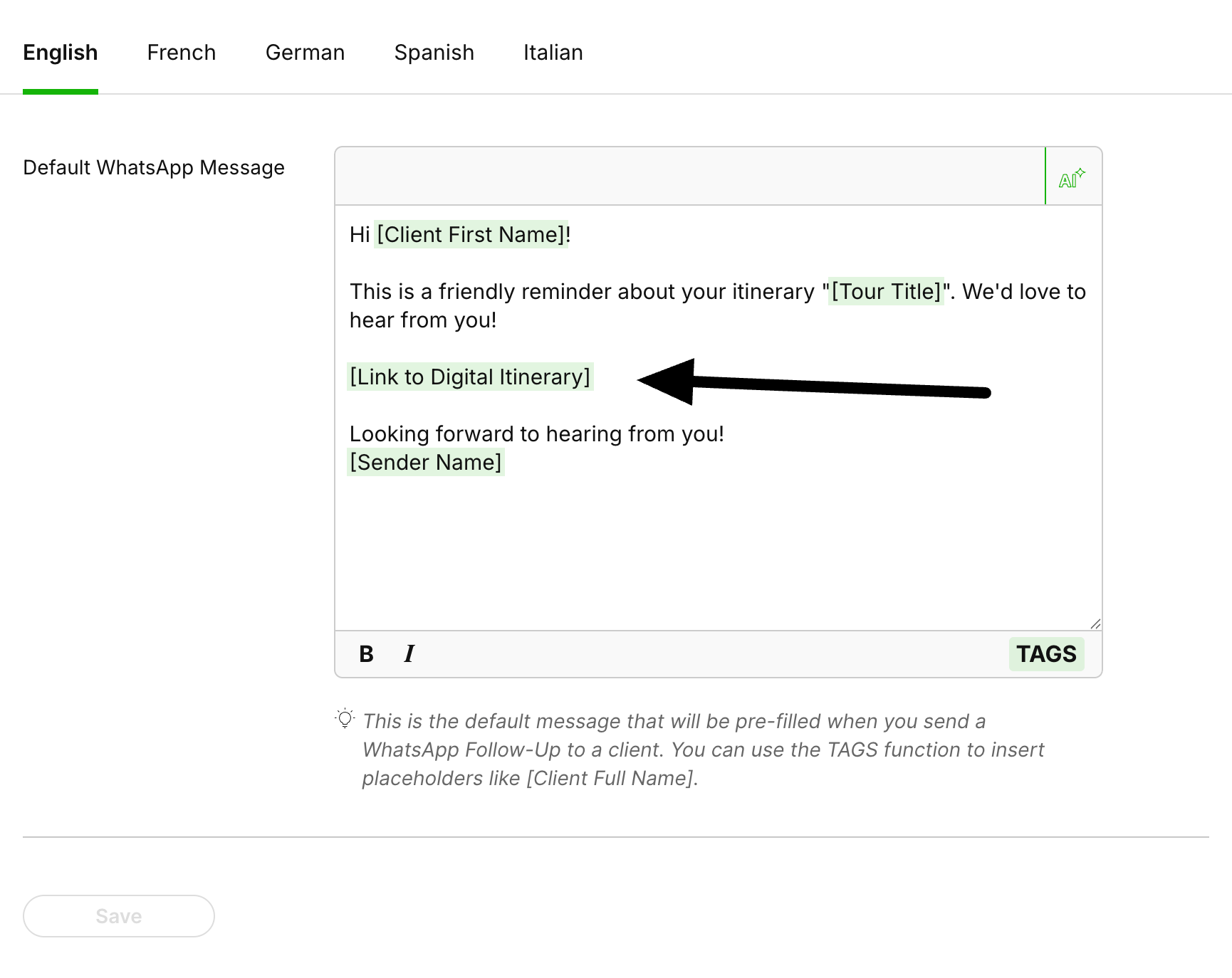
You can setup a default message you want to be available.
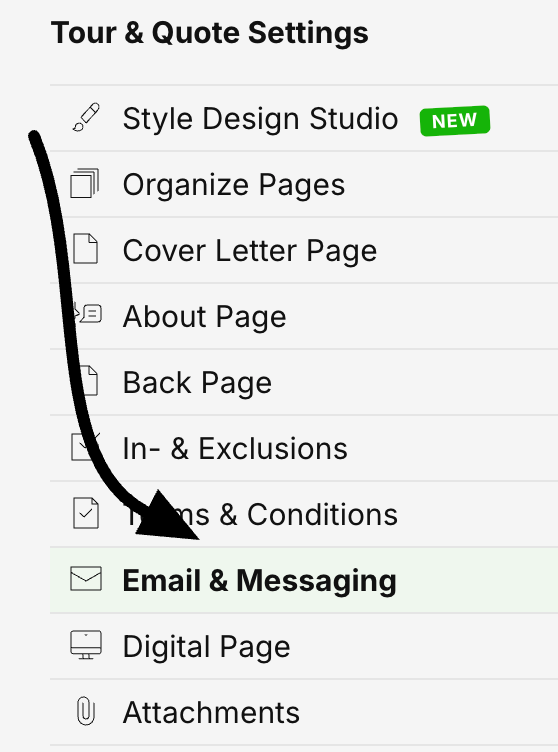
Go to: Settings > Tour & Quote Settings > Email & Messaging > WhatsApp Follow-up
Here you can enter the message you want to have ready by default on your WhatsApp. Of course any message can be personalized later, but this will help you have the basic information (like the client's name and the tour name) ready and make your workflow faster.