
When you subscribe to the PRO version, you automatically start earning credit called PRO Partner Rewards. In this article we explain how this works.
Where to find your balance
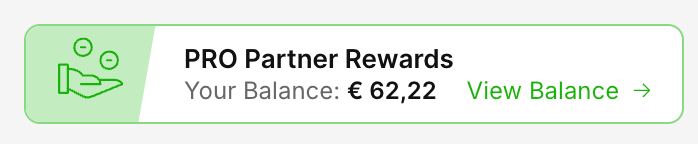
You can find your PRO Partner Rewards total in your Subscriptions section in the Settings.
Click the Button PRO Partner Rewards button at the right top to open up the details of your balance and its historical data.
Earning
You earn a credit equal to 10% of the cost of your current, running subscriptions for Add-ons and User accounts.
Calculation
This 10% reward is calculated daily, starting from the day you subscribe to PRO, after any trial period ends.
Usage
The accumulated credit is stored in your account and can be applied as a discount on future renewals or new subscriptions.
Example Calculation

This balance is automatically applied as a discount on renewals and new subscriptions (effectively a 10% discount).
Additional Conditions
The balance can not be withdrawn; it's not money.
Credit is cumulative (more Add-ons, more users, adds up)
Rewards are earned after the free trial period ends
If you end the PRO subscription, your remaining balance stays available for 3 months