
When managing a (new) request in SafariOffice, you can indicate from which source you received the request.
This is mainly for your marketing insights, to help you determine which marketing tactics work best for your company. As a result, you can tell which of your marketing efforts is giving you the best ROI (return on investment).
Adding the Source of a New Request
If you want to add the source from which you received the request, this is done on the request page as you add the client information.
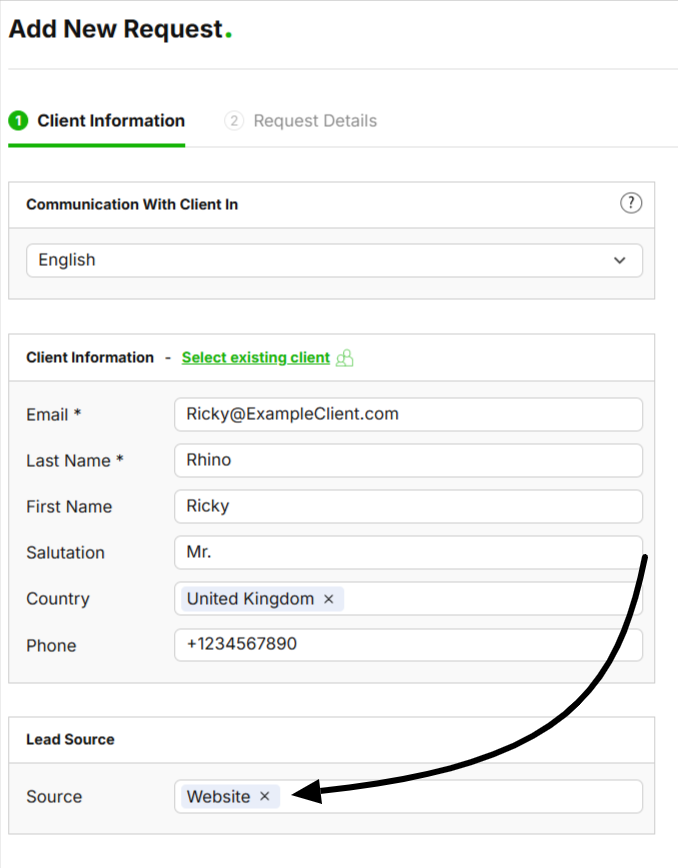

If you have already added the request details:
1. Scroll to the very top of a request, in which you can find 'Source' and click on 'Edit'.
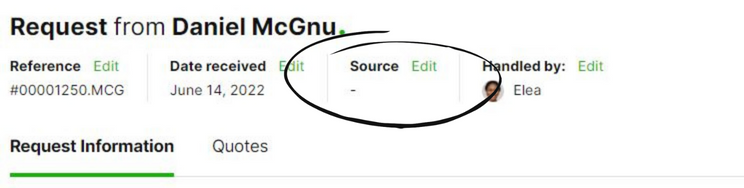
2. After you click on 'Edit', expect a pop-up with an empty field in which you can indicate your source.
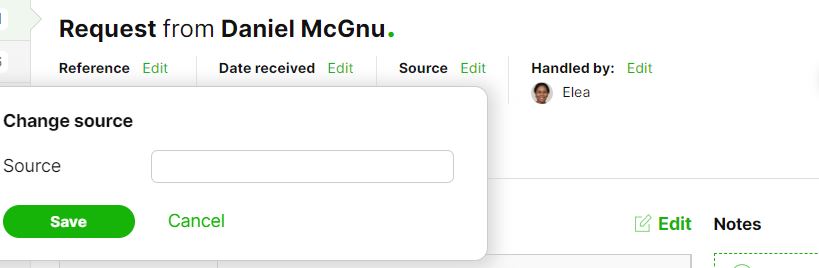
3a. Now, click the empty field and select the source from which you received the request of your client (e.g., select 'website' if you received the client's request from your website).
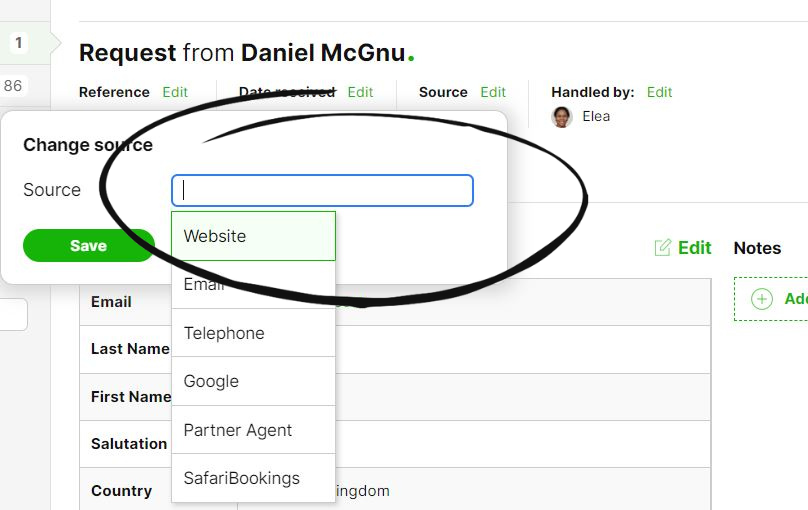
3b. If you do not see your necessary source from the drop-down box, type the custom source yourself in the empty field and 'click enter' or 'click the green +'.
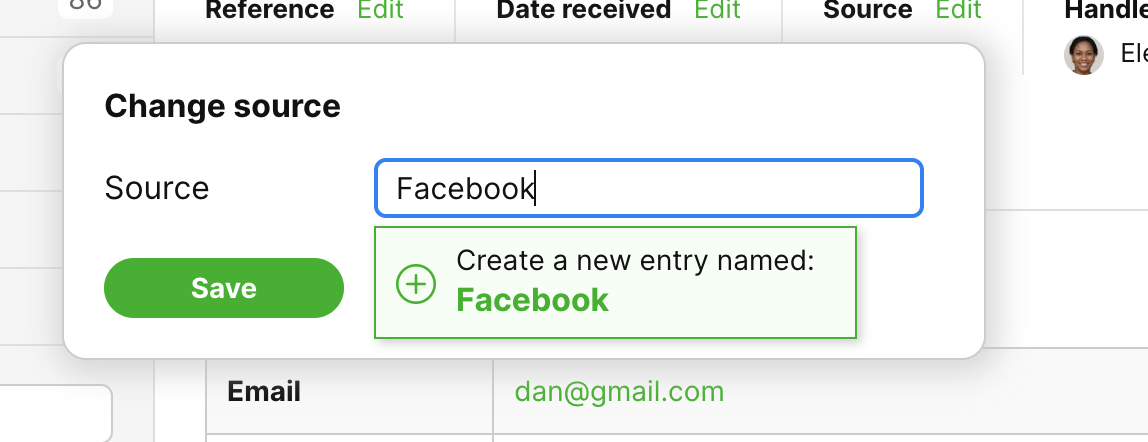
4. Finally, after you fill in the correct source, press 'save'.
