Using tasks helps you streamline your workflow.
You can add tasks to each request you create and for each stage of managing this request (such as 'New' or 'Working on'). For example, if you receive a booking, you can add a task for 'client payment' and track the payment status. You can add any type of task you need to make sure you don't forget anything.
If you want to create default tasks in your account settings and automate this process, check out this article.
How to Use Default Tasks through Settings (Advanced)
Learn how to add your default tasks in your settings to make your work easier.
For each stage or status of a request, you can manually add the task that needs to be done. The possible stages are when the request is in either 'New', 'Working On', 'Booked', 'Completed', or 'Not Booked'.
You can add a task by following these steps:
Click on your desired request
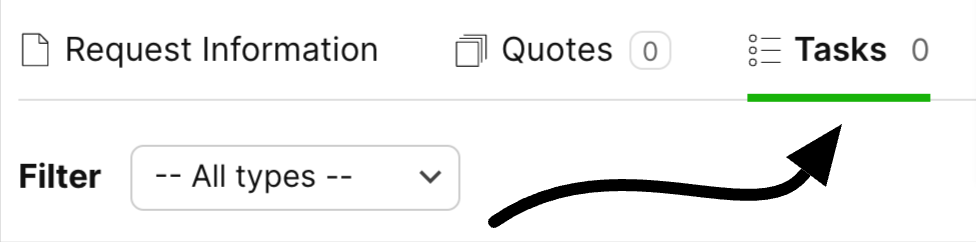
Go to 'Tasks' on that request
Fill in the Task Description, Type, and Status fields for your task. Here are the definitions:

Once you complete a task, you can easily mark the completed task as done with the checkbox:

If you want to view only open tasks, mark the 'Show only open tasks' checkbox. This allows you to see tasks that are not yet completed, making it easier to focus on what still needs to be done and work more efficiently.

Here are some examples for each stage or status of a request to help you get some ideas on how to create a workflow for your account.






