If you want to send a quote to your client, you can use SafariOffice to directly email your quote. This makes it easy and quick to send quotes. Editing the email content allows you to customize your message for each client. This personal touch can improve communication and strengthen client relationships.
You can edit the email content per quote or template, or create default email content in your settings.
For each individual quote or template, you have the option to edit the email content in Step 4 of that itinerary.

Follow the steps below:
Open the quote or template you are working on
Go to Step 4 within the smart builder.
Edit the email content (e.g., subject, message, signature)
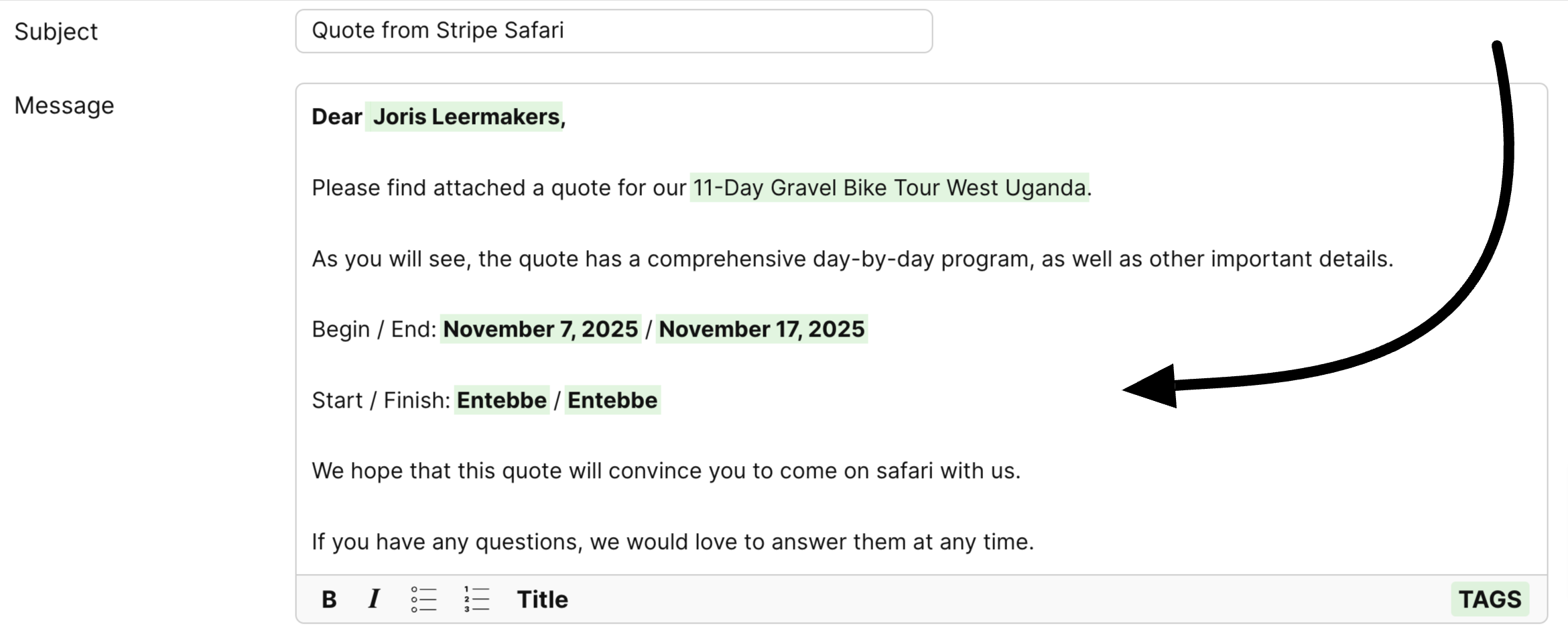

You can create a default email content for your quotes or templates. This saves you time and gives you the flexibility to make changes when needed.
Settings > Tour & Quote Settings > Email & Digital Page
Go to your account Settings
Click on 'Email & Digital Page' in your quote settings
Edit the email content (e.g., default email address, subject, message, signature)
Click Save
Each time you create a new quote or template, the default email content will already be used. However, you can still personalize the email content per quote or template if needed.
How to Use TAGs
Learn how to use TAGs to customize your tour templates.
