
In SafariOffice, you can copy a quote you have created before to the request of another (new) client and replace all client information. This helps you save time when you get similar requests.
You can still make the changes and revision to the quote that has been copied as a new version for another client.
Open request from which you want to create a copy of a quote.
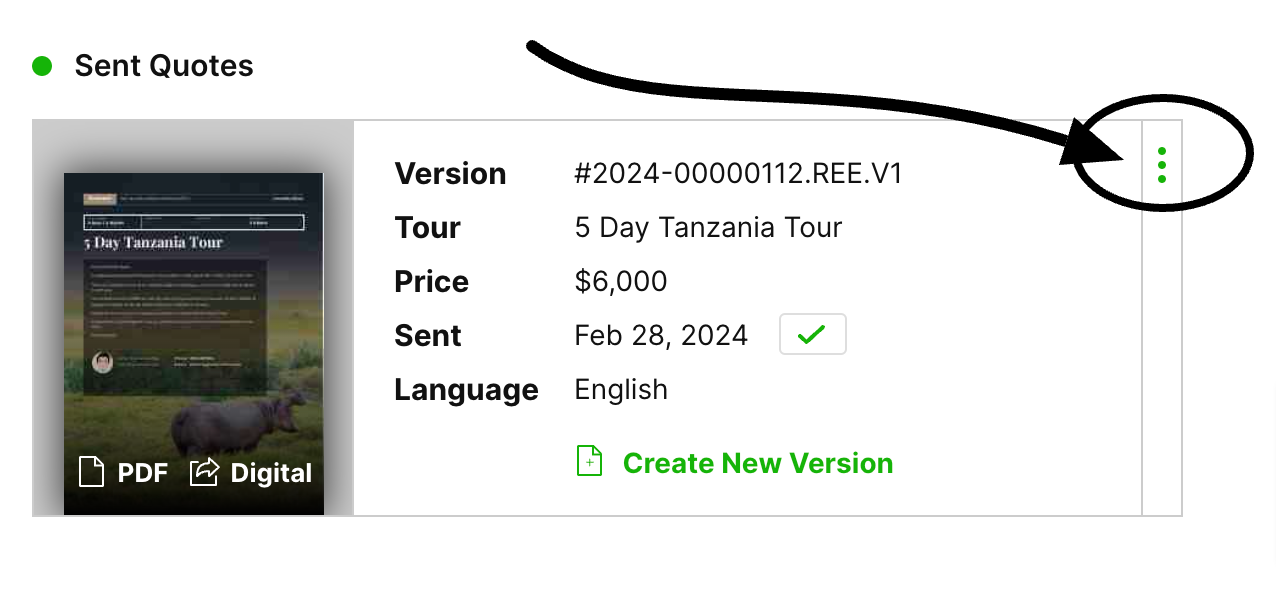
Click the three green dots on the top right of the quote you want to copy.
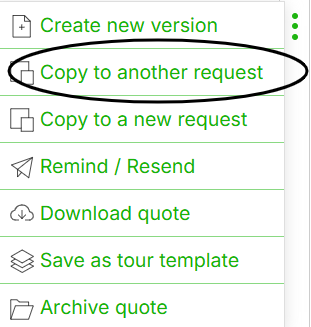
Now choose 'Copy to another request'
A window will open where you can now search for the request you want to copy the quote to.
Click the request you want to copy to and click: 'Yes, copy to this request'.
You will be taken to the request you have copied the quote to. It will appear as a new version in the drafts section. You can now edit it.

This will take you directly into the process of Request creation. Once you have added the new details the quote will be in the drafts section ready to be edited and sent.