Including your payment terms allows you to clearly communicate this information to your client in your quote.
You can set up your default payment term information once in your settings, and this will automatically apply to every new quote or template you create.
How to set up your default payment terms
You can create your default payment terms for your quotes or templates. This saves you time by ensuring all your quotes and templates start with the same payment terms. However, you can still edit the payment terms per quote or template if needed.
Settings > Quote Settings > Payment Terms
Go to Settings
Select Payment Terms under Quote Settings
Now you have a text area OR if you subscribed to PRO and additional ‘Milestone section’.
The content you setup here will be used in quotes on the pricing section.
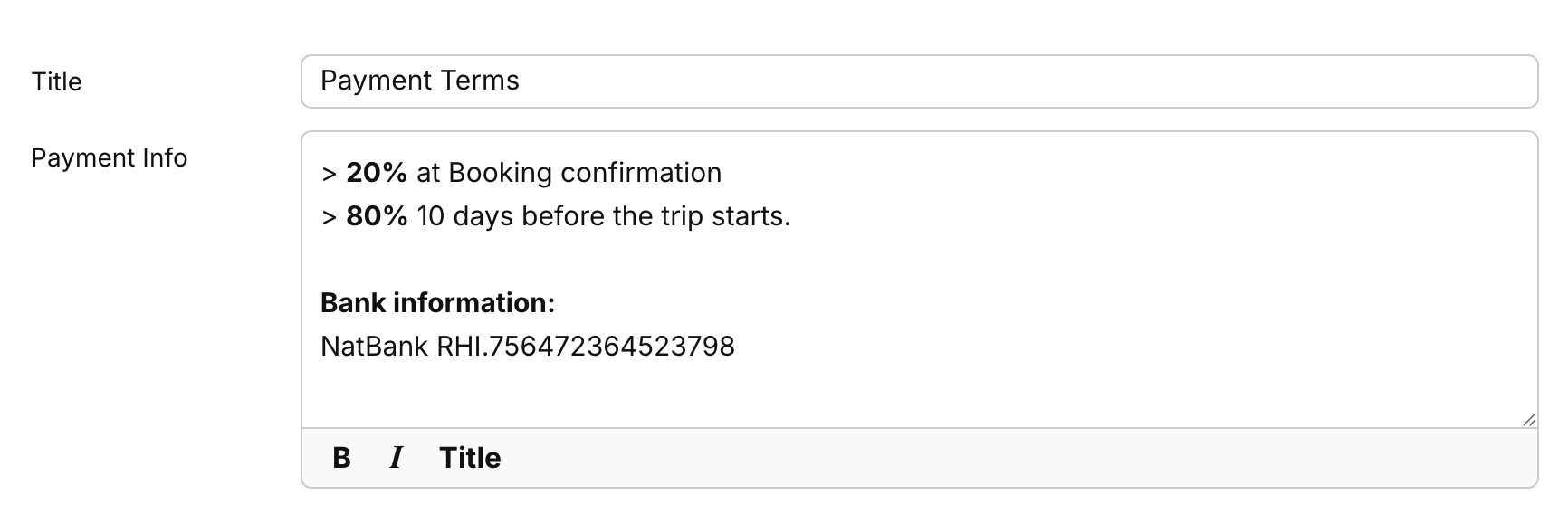
Text area
Type any information about your terms you want to share within this field. If you are on the free account you can simply add text information and add anything regarding banking details or any other related terms.
Payment Milestones (PRO users only)
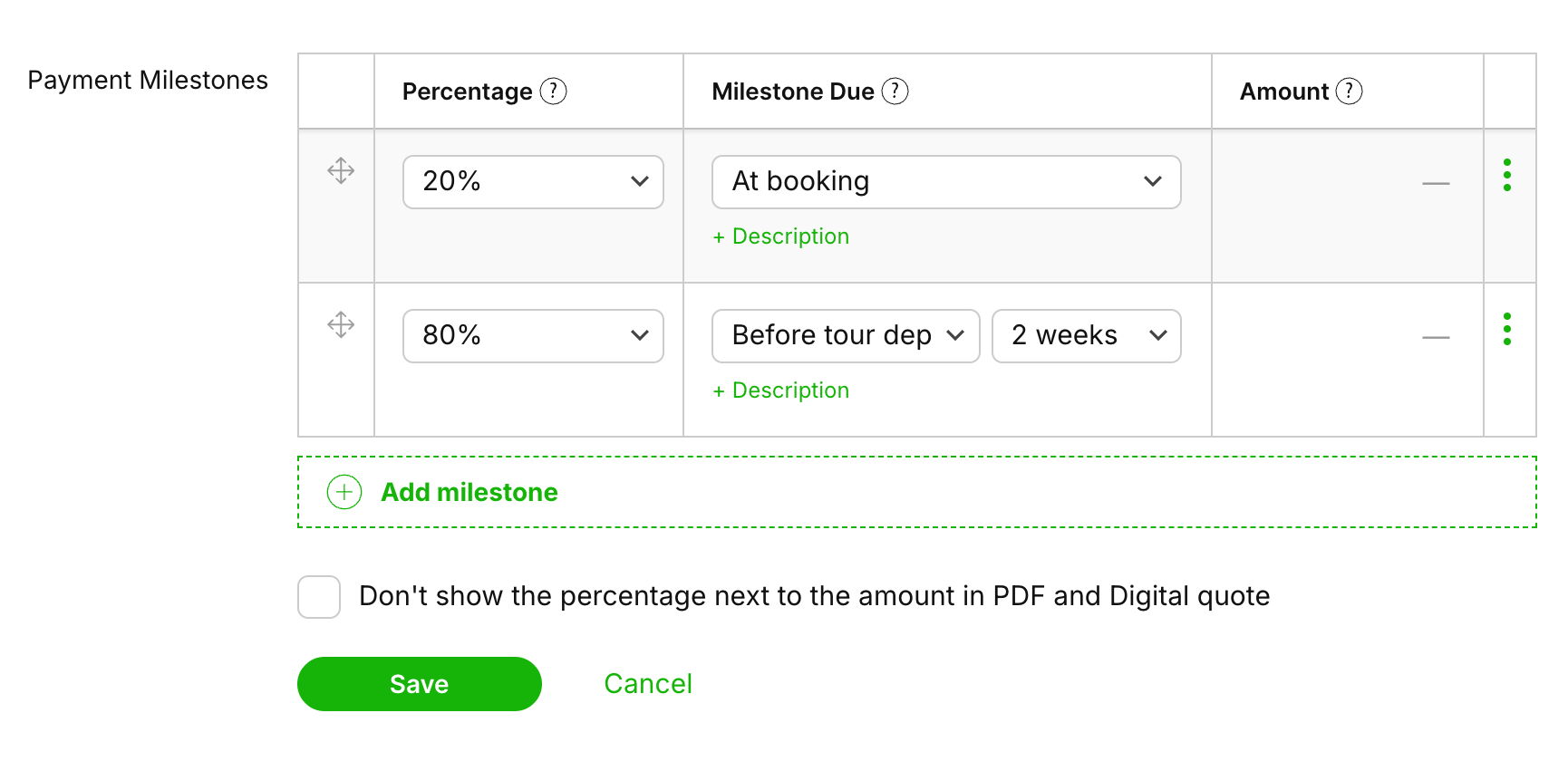
If you are a SafariOffice PRO user, besides the “text area” you will also have access to the Payment Mile Stones option, where you can add smart lines that will give your client more detailed information, like exact dates when payment needs to be in. Optionally you can give an additional description to the default milestone description. And as a bonus, the system can calculate the amounts you set based on the percentage you give it.