Entering the travel date for your quotes is important for good housekeeping in SafariOffice but also for the general functioning of your business. Here are several ways you can enter or update the start dates of your tours.
Changing the Date Within a Request
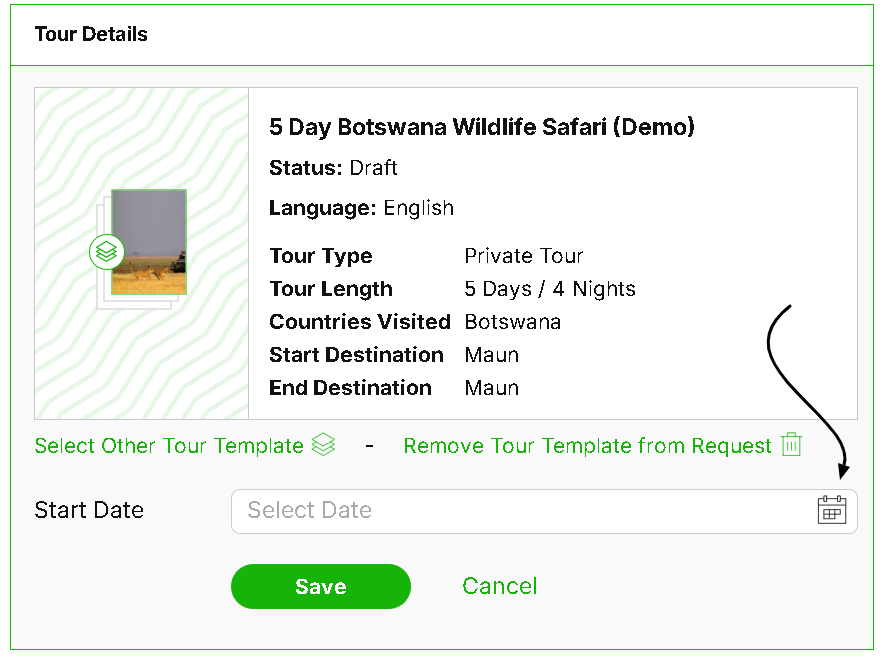
If you have not created a quote yet, you can change the date at the request level.
Click on ‘Request Information’ of your chosen quote
Then click ‘Edit’ in the ‘Tour Details’ section
You can now reselect or enter a start date here.

Changing the Date for a Created Quote
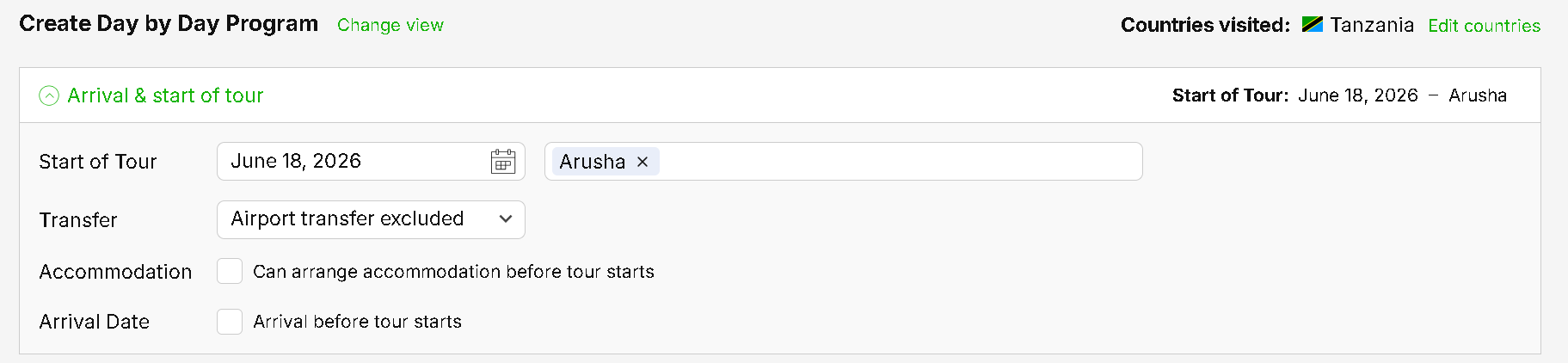
In the case of a quote already being created. You'll need to navigate to the ‘Day by Day’ section of the chosen quote .
Here, expand the section ‘Arrival and Start of Tour.’ You can now edit the date within the field ‘Start of Tour’.
Changing the Date for a Booked Quote
Please note that you can still change the start date of a tour that has already been booked.
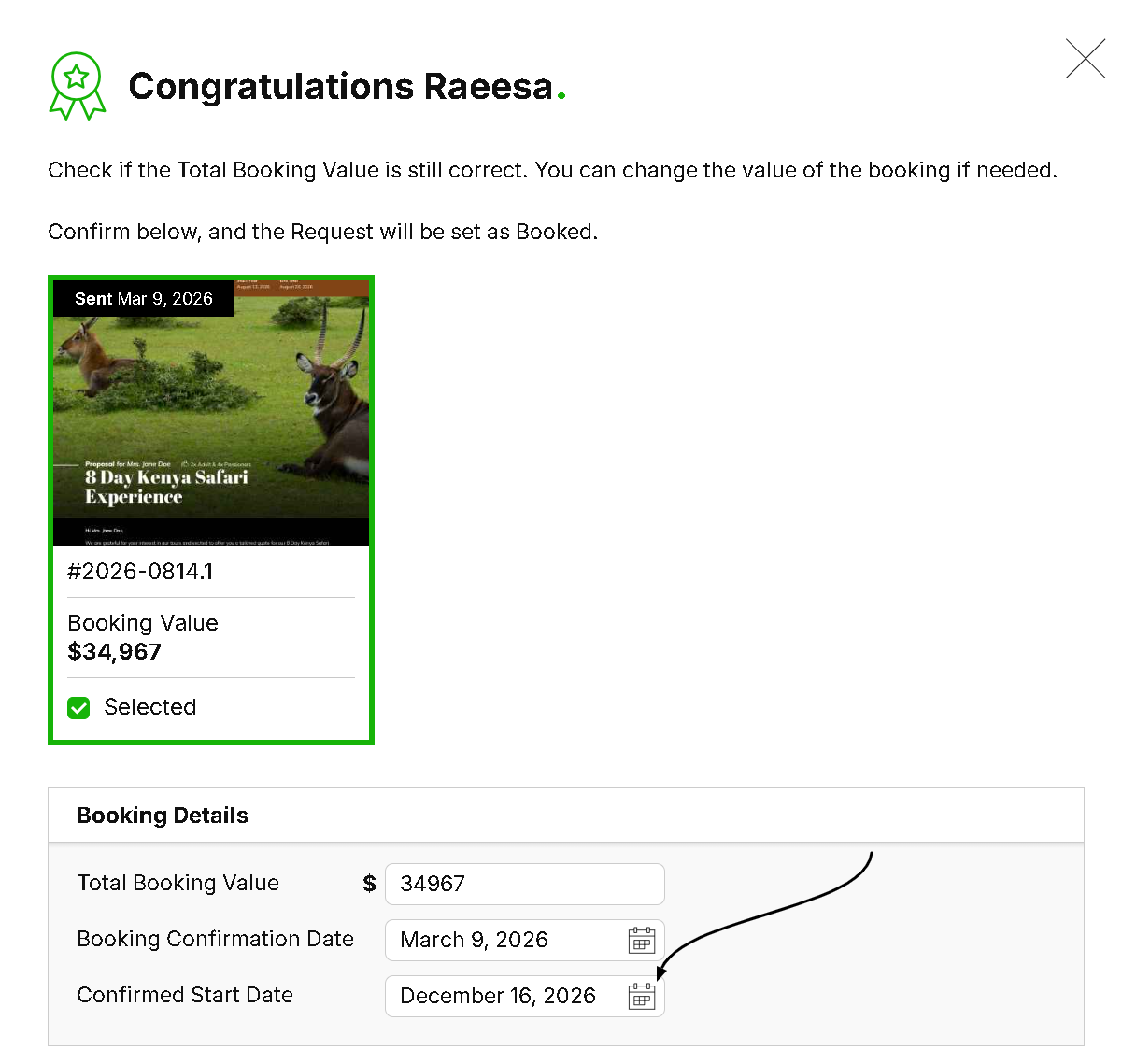
Simply edit the request information as stated above or change the dates when prompted while setting a quote to ‘booked’.